API settings
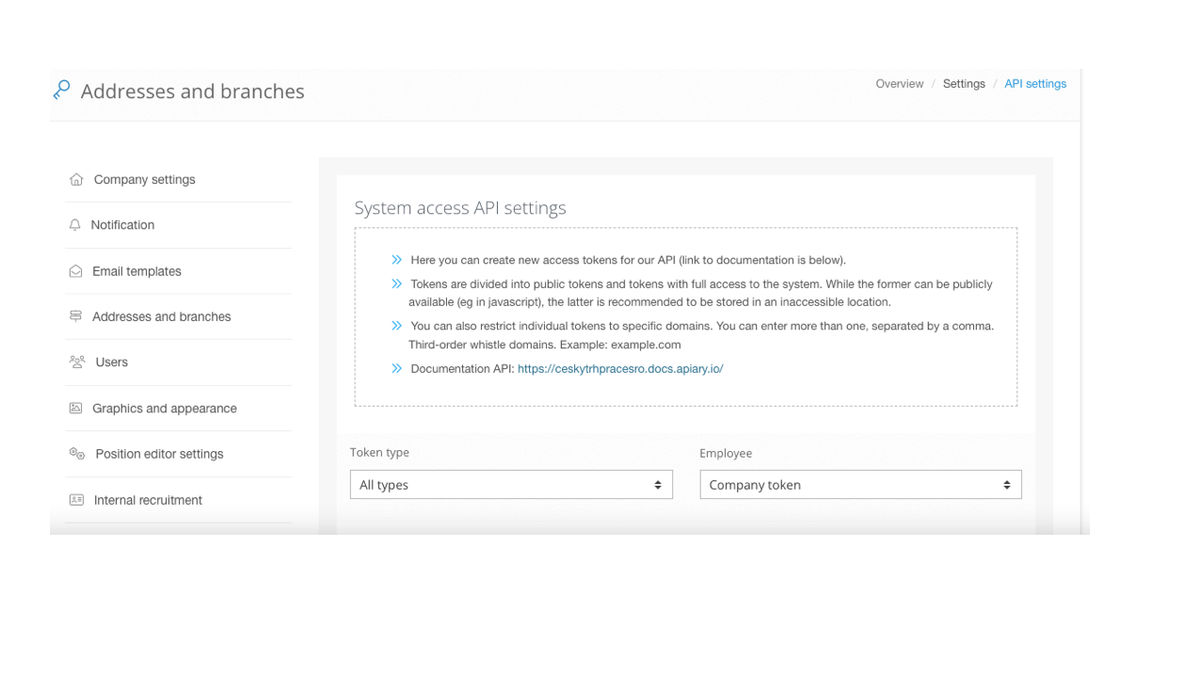
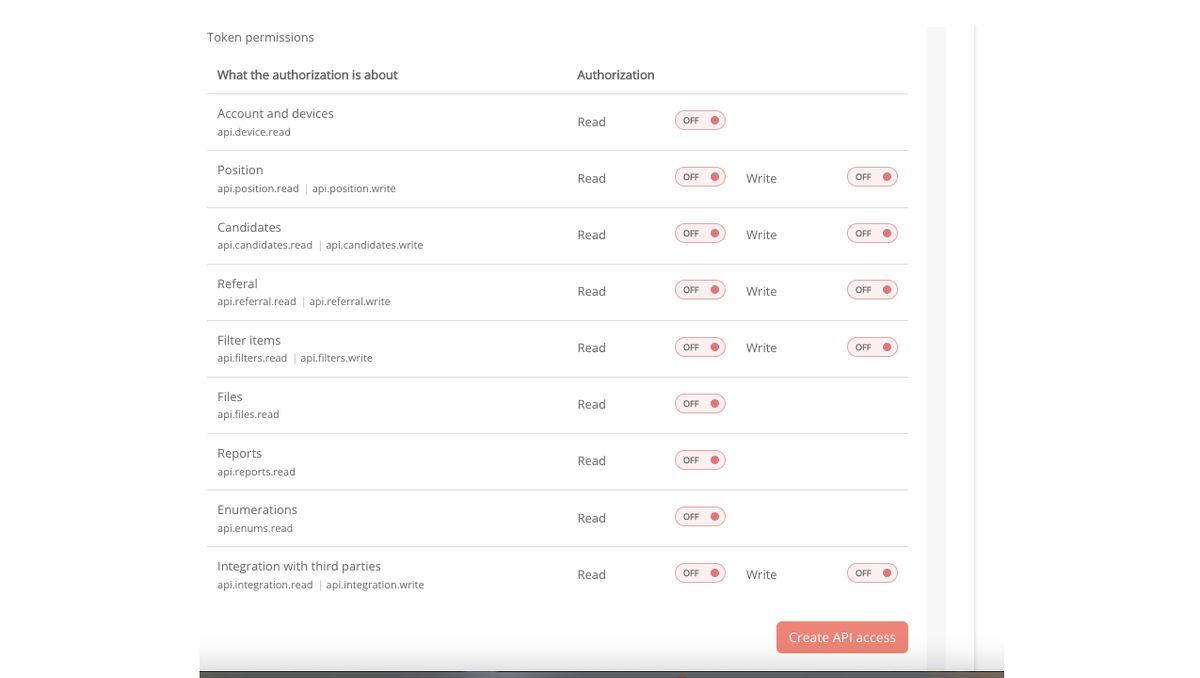
Within the API settings, you manage the tokens issued for your business and what they can or cannot handle.
This is a very technical part and it's likely you'll never need it, except if you're dealing with connecting to your careers site via an API, for example.
View the link to manage API settings.
Good to know & our tips
To connect to third-party systems, use a so-called company token, which is not tied to a specific user (user tokens are deleted after the user is deleted, and there could be problems with communication with these systems).
You can view the token directly in Recruitis. Please never send the entire token, e.g. by email, in order to avoid its disclosure.
Tokens issued for the mobile app and Google Chrome plug-in are self-generated.
Related articles
Graphics and system appearance
Basic settings of graphic elements - logos and background.
Position editor settings
Select the optional items in the position editor that you want to display.