No entries.
Writing notes directly into CVs and other attachments in the mobile app
In the mobile app from version 2.4.6, you have the option to write notes directly into CVs or other attachments. This will be especially appreciated by those who use our app on tablets.
You activate attachment editing simply by displaying it in the mobile app and selecting the "Open in editor" action:
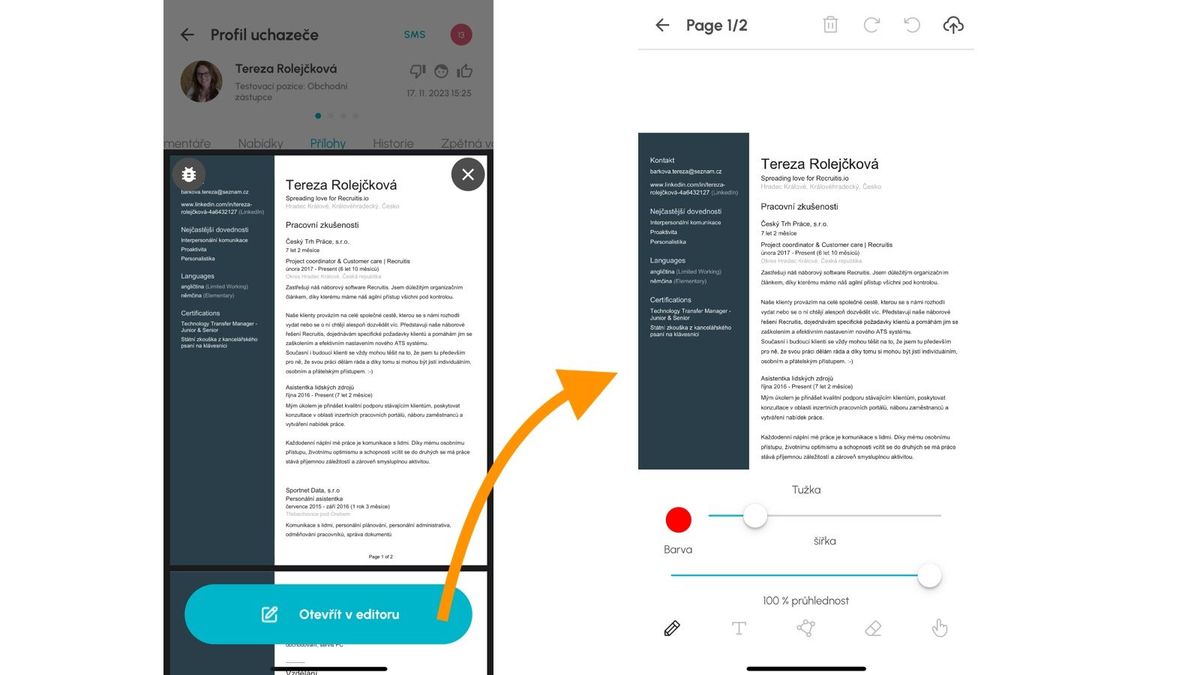
Editing options
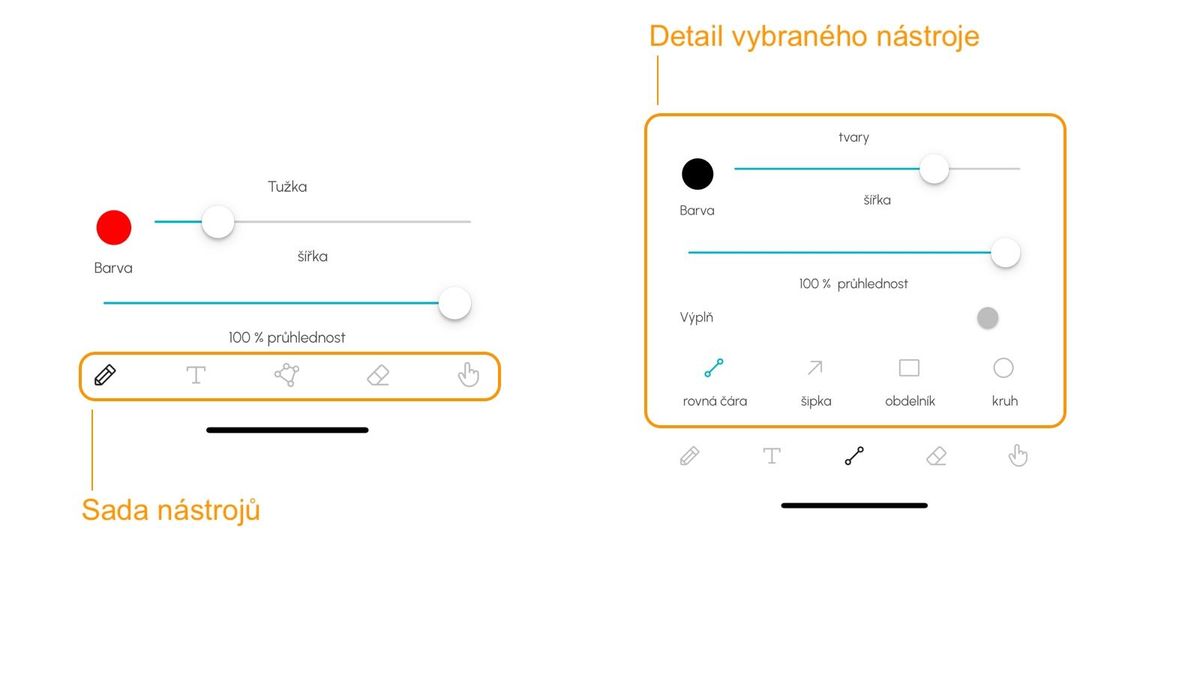
Within editing, you can choose from this set of tools:
- Pencil - freehand drawing
- Text - writing text
- Shapes - inserting predefined shapes
- Eraser - removing added content
- Hand - grabbing an object and editing
Saving notes
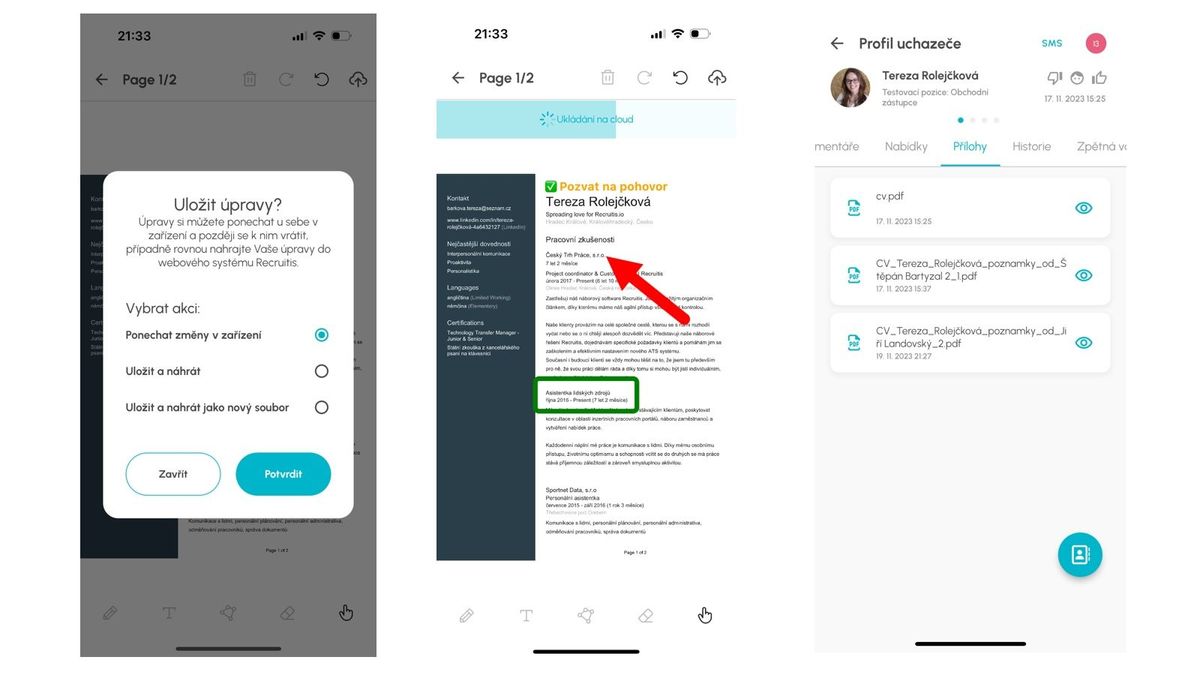
After you finish your notes within the given document, you have several options for saving the document:
- Keep changes only on your phone or tablet (i.e., do not save a new file to the candidate card)
- Save changes as a new file to the candidate card
- Save changes in the current file (if you are editing an existing file with saved edits)
If you choose the option to save the file as new, such a file is saved with its original name, to which the candidate's name and editor's name and version number are added.
E.g., CV_Tereza_Rolejckova_notes_by_Jiri Landovsky_2.pdf