Setting automatic response version for individual positions
The automatic response serves to ensure that candidates receive an email with information that their application for a specific position has been successfully recorded in the system. Until now, it was only possible to set one version of the automatic position for the entire company for each ad language.
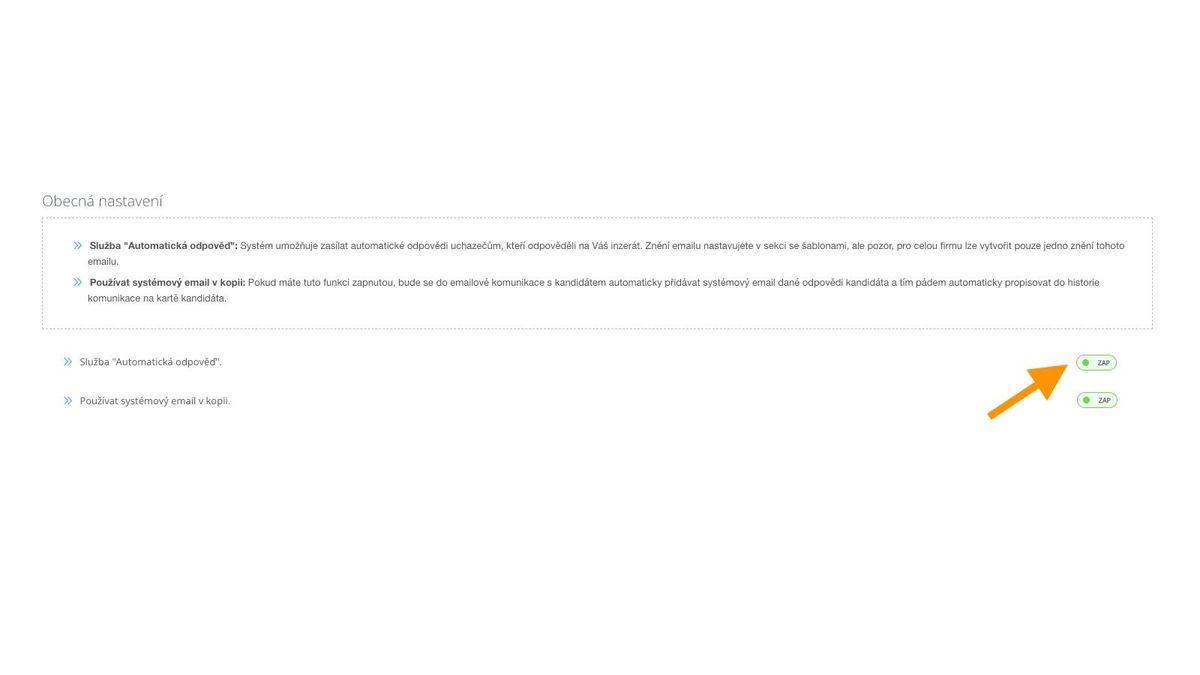
The automatic response functionality is activated in company settings (link)
Thanks to the new functionality, you can also set the automatic response version for individual positions. The description below explains how the individual variants work.
Setting a custom automatic response version for a position
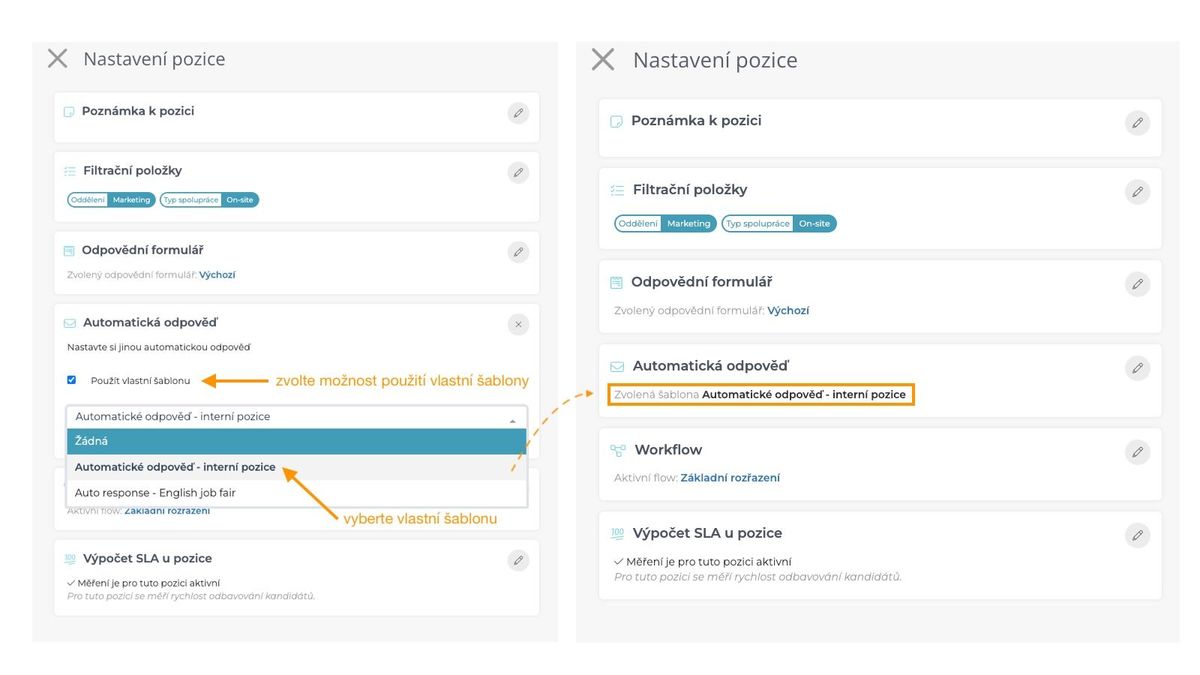
If you want to select a special automatic response for a given position, simply select the option "Use custom template" in the position settings and select the appropriate template version from the list that then appears.
The custom template, unlike the default one, does not address the ad language - it always sends that specific selected template.
Custom templates need to be created before use - there are no predefined ones in the system.

Completely disabling the automatic response for a given position
If you have the automatic response enabled at the company level but need to not send this response for one or more positions for some reason, you have the option to select "none" as the template value.

Default general automatic response behavior
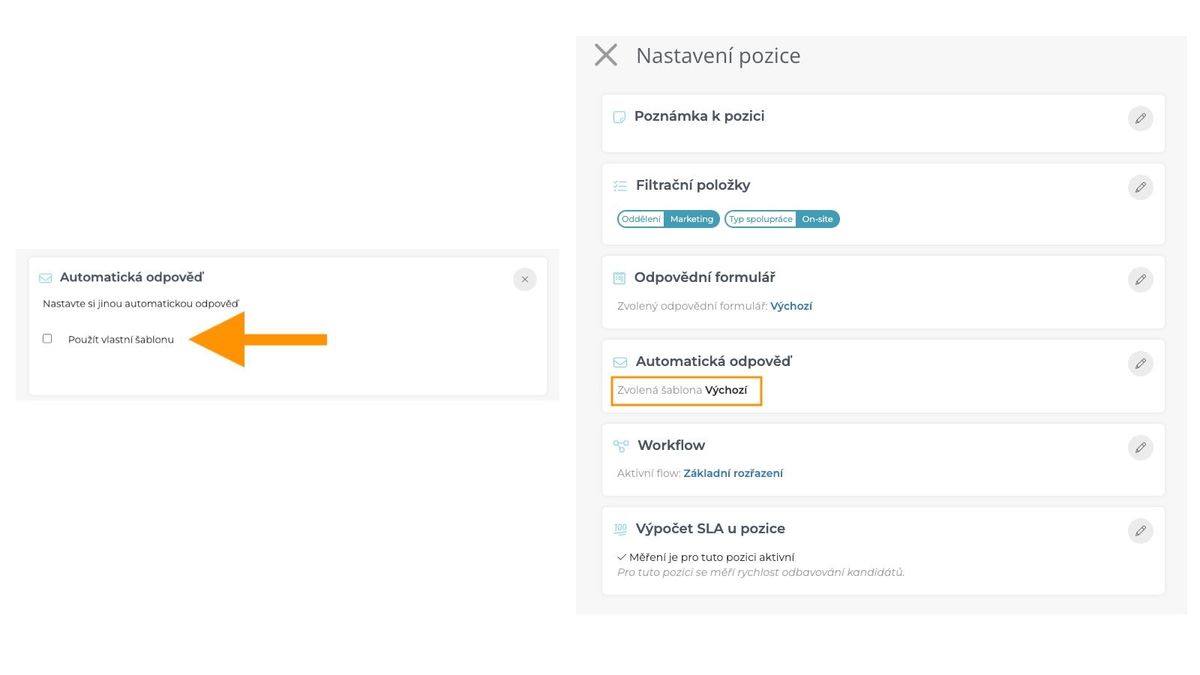
If you have the automatic response enabled at the company level and have not selected the option to use a custom template, the automatic response for that position will behave as before. That is, the automatic response template is selected according to the ad language from the "Automatic response for new reaction" template category. In that case, the template name shows "Default".
This option can be switched back even if you have enabled a custom template for the position - just uncheck the "Use custom template" option.