Analytics - Custom Fields Report
Purpose
The purpose of this report is to display custom fields that are shown on the candidate card together with other candidate-related data.
A typical use case is obtaining data for onboarding that is not automatically integrated with ATS Recruitis.
Principle of value listing
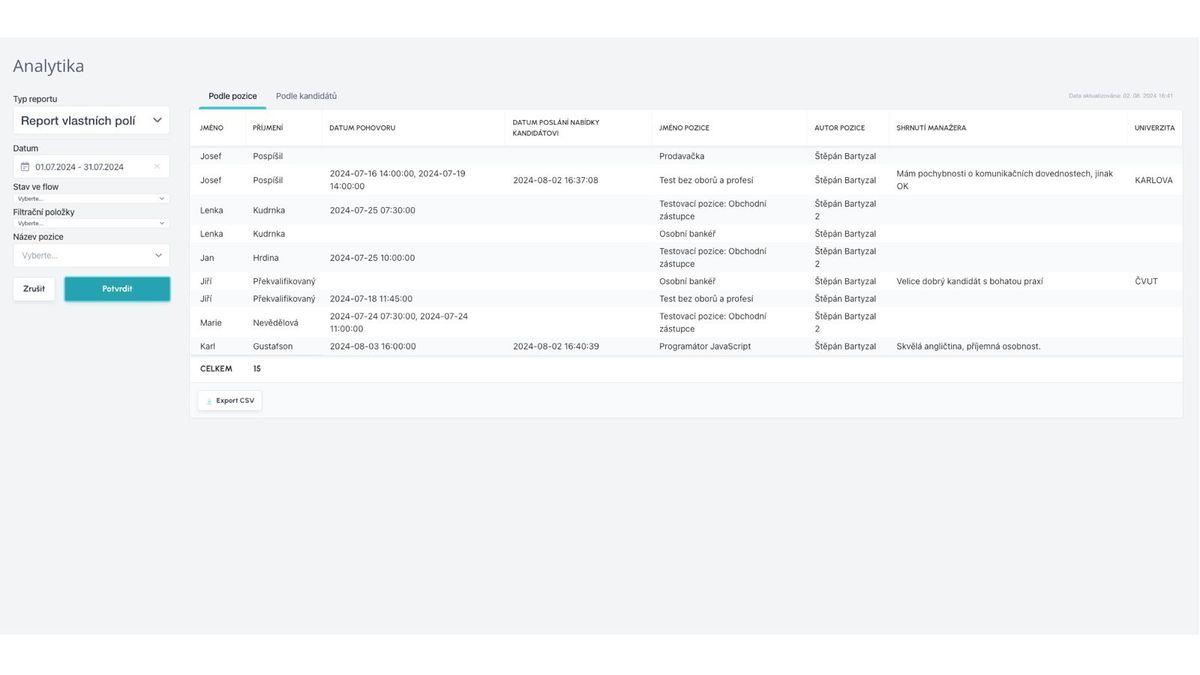
The report lists a set of static values and then a dynamic part, i.e., columns corresponding to custom fields defined for your company.
Since custom fields are both for the candidate and for their specific response to a certain position, the report contains 2 tabs - "By position" and "By candidates".
Static values in the "By position" view are:
- Candidate's first and last name
- Interview date (interviews scheduled through ATS Recruitis, multiple interviews are separated by comma)
- Offer sent date (offers sent through ATS Recruitis offer management)
- Position name
- Position author
And in the "By candidates" view, the static values are:
- Candidate's first and last name
Nothing else is displayed, because data related to a specific recruitment is understandably missing.
If there is no candidate with filled custom fields in the given set of filtered values, then no dynamic columns are displayed.
Filtered values can be saved to a file for processing in Excel, just like other reports within analytics.
Filtering
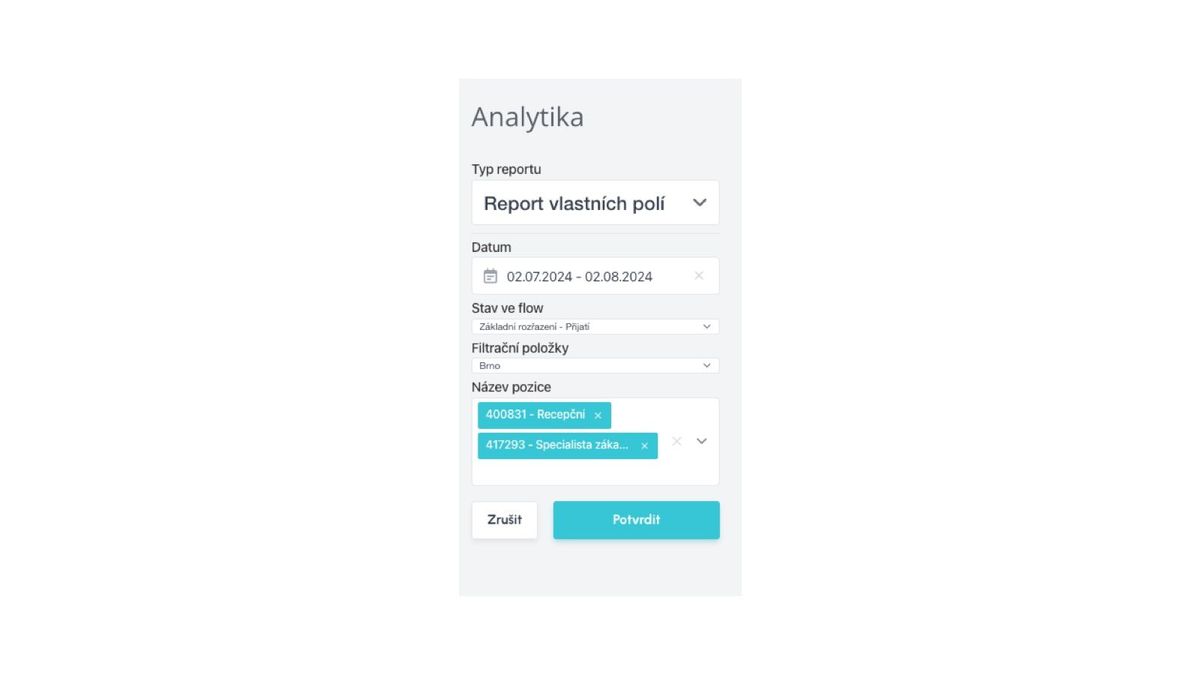
Candidates appearing in the report can be filtered by the following values and their combinations:
- Date
- date of candidate's response to the position, if it's a candidate without a position, then the creation of the candidate as such
- Flow states
- filters only candidates who are currently in the selected recruitment state
- Filter items
- filters only candidates on positions with the selected filter item
- Position name
- filters only candidates on specific selected positions